

Smart home wiring is now central to how modern houses function, but many homeowners struggle with deciding which wiring layout truly supports current and future needs. Whether you are planning a new build, a major renovation, or retrofitting an older property, understanding what’s required—and the real challenges—can prevent expensive mistakes.
Key Takeaways
- While smart home adoption is high, few resources explain exactly what wiring is needed for lasting reliability and upgrades.
- Installer shortages, network configuration hassles, and compatibility headaches commonly derail smart electrical projects.
- Choosing the right mix of infrastructure (pre-wiring, panels, conduit) is key to avoiding costly rework and maintenance later.
- What Is Smart Home Wiring and Why Does It Matter?
- Step-by-Step Guide: Planning and Implementing Smart Home Wiring
- Advanced Analysis & Common Pitfalls in Smart Home Wiring
- Conclusion
- FAQ
What Is Smart Home Wiring and Why Does It Matter?
Smart home wiring is the structured approach to installing electrical and networking infrastructure that supports home automation devices, security systems, voice assistants, and energy management platforms. Unlike traditional wiring (which only handles basic power and lighting), smart home wiring includes data cables, low-voltage power runs, control panels, and provisions for wireless system integration.
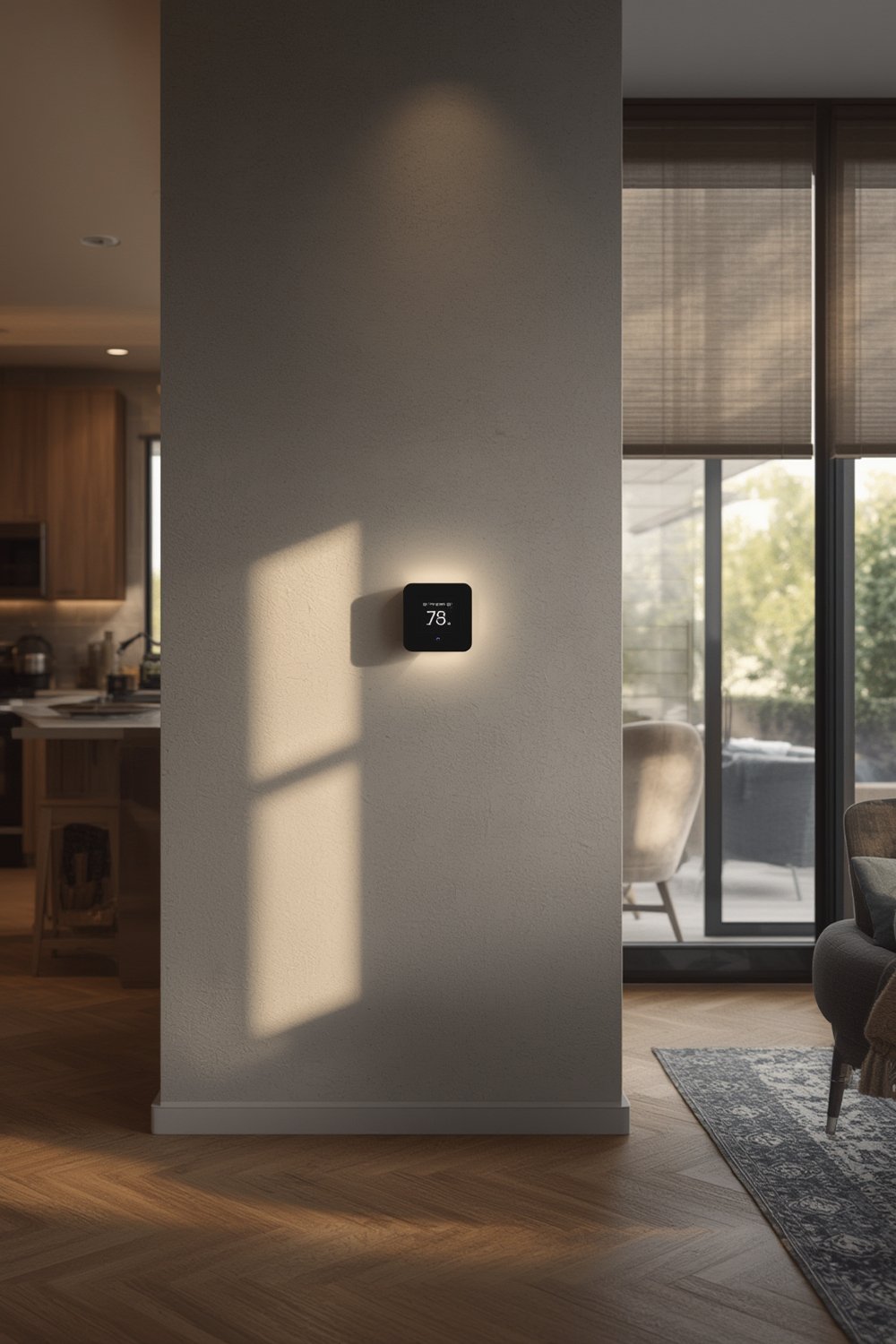
The demand for future-proof wiring is only growing: the U.S. smart home market reached nearly 70 million households in 2024, with global adoption topping 411 million homes.[source] Yet most of these installations are retrofits, because older homes outnumber new builds.[source] New construction offers a critical chance to pre-wire for advanced platforms, ensuring performance and minimizing upkeep as your needs evolve.
Essentials for smart home wiring include:
- Power supply to automation hubs
- CAT6 (or better) Ethernet to support high-bandwidth (Wi-Fi, Thread, Matter, Zigbee, Z-Wave)
- In-wall conduits and access panels for upgrades
- Dedicated circuits for safety, surge, and device isolation
When done right, this infrastructure supports not only today’s gadgets but also future technologies like AI-driven energy controls, advanced security, and premium entertainment systems. It also enables you to maximize efficiency from upgrades like a heat pump water heater or acoustic solutions such as fluted panels for sound dampening.
Step-by-Step Guide: Planning and Implementing Smart Home Wiring
Below is a practical process for designing and executing smart home wiring that minimizes risk and prepares your home for fast-changing technology.
- Assess Homeowner Needs and Platform Choices
- Make a list: Lights, climate, security, audio, voice, and smart appliances.
- Pick preferred automation platform (Matter, Alexa, Google, Apple, etc.), then check its device compatibility and wiring demands.
- Determine Wiring Types and Network Backbone
- For new construction or gut rehab, spec CAT6 (or better) Ethernet to all main spaces, plus coax (for cable/TV) if required.
- For high-reliability Wi-Fi, use strategically placed access points with dedicated power and cable runs.
- Plan power circuits for cameras, smart thermostats, and charging stations.
- Always provide a path for later upgrades: Flexible conduit is your friend.
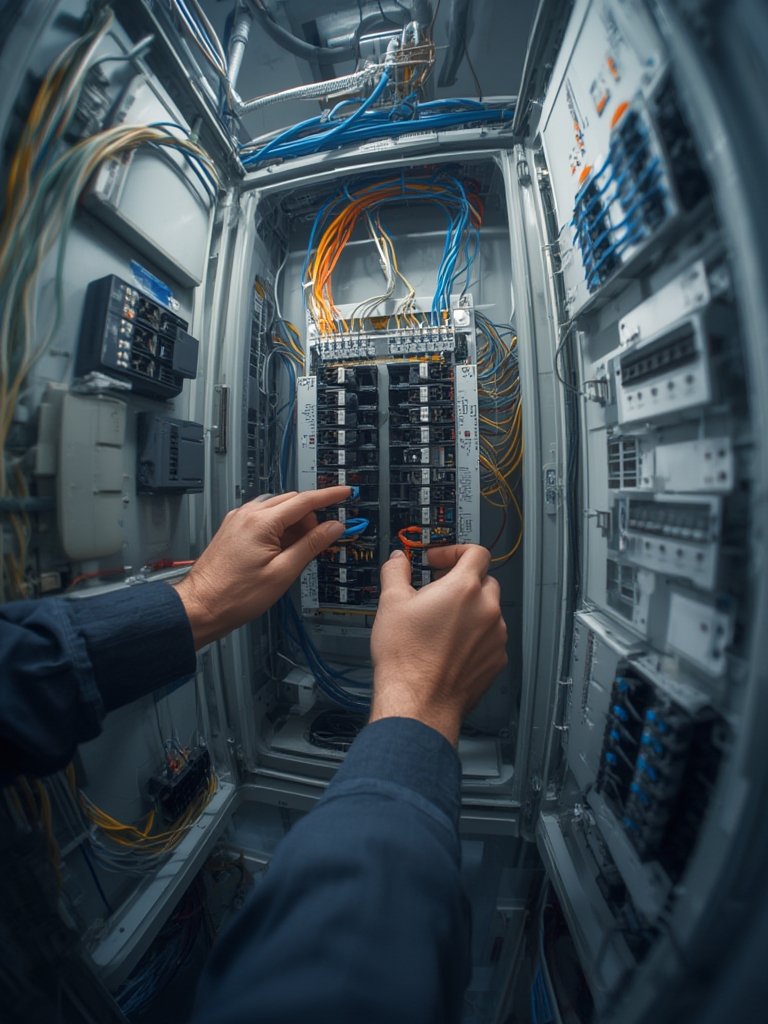
- Install Distribution Panel and Patch Bays
- Centralize all low-voltage and structured wiring in a single utility closet or basement panel if possible.
- Use labeled patch panels for Ethernet, speaker, and control wiring. Include surge and UPS protection.
- Ensure Safety and Code Compliance
- Follow National Electrical Code (NEC) and local requirements even for low-voltage jobs.
- Only a licensed electrician should run 120V or 240V circuits. DIY is only an option for low-voltage and non-life-safety work.
- Test All Endpoints and Document for Future Use
- Label every run clearly. Test all outlets, switches, and jacks before drywall goes up.
- Document your wiring map digitally and with a hard copy stored in your main panel location.
- Review Network Segmentation and Security
- Set up VLANs or at least a separate Wi-Fi network for IoT devices. This limits risk if a device is hacked.
- Enable WPA3 and strong passwords on all wireless networks. Consider commercial-grade routers or managed network services for higher security.
Upgrading your wiring can also enhance the value and safety of connected systems like ventless washer dryers or new flooring such as SPC for durability. Don’t overlook the long-term benefit of proper network setup when investing in any home system.
Advanced Analysis & Common Pitfalls in Smart Home Wiring
Even the best plans can run into serious issues. Here’s what most homeowners (and even some pros) miss:
- Installer Shortages: U.S. labor rates hit $125/hour in 2024, and qualified help is tough to book quickly. Many DIY installs end up needing remediation by certified electricians, especially after failed inspections.[source]
- Compatibility and Device Fragmentation: More than half the market relies on Wi-Fi, but power limits and frequent changes in device standards strain older wiring. Thread/Matter reduces some friction, but legacy Zigbee/Z-Wave systems need dual knowledge to avoid stranding devices.[source]
- Unplanned Cost Overruns: Cybersecurity and expert network setup can add 15-20% to total spend. Many overlook these costs up front, only to struggle with compromised data and ongoing support bills.
For comparison:
| Aspect | DIY Installation | Certified Professional |
|---|---|---|
| Upfront Cost | Low/Medium | High |
| Typical Failure/Repair (5 years) | Unknown (often higher recurrence) | Lower, usually covered by warranty |
| Code/Insurance Compliance | Rarely met for high-voltage circuits | Usually guaranteed |
| Upgrade Flexibility | Limited, unless planned in advance | High, especially with conduit/panels |
Many homeowners, aiming to save money, end up with wiring that doesn’t meet code or becomes obsolete as new devices are added. Retrofitting a missing conduit or Ethernet run later can cost ten times as much as doing it at build-out. For other home systems, safe upgrades with similar planning are covered in detail in our guide to floor protection with washable rugs.
Global regulations and safety standards add more complexity. For example, China now requires smart-ready conduits, but most regions still rely on general NEC or local electrical codes—which rarely cover low-voltage smart wiring in detail.[source] This means liability falls to homeowners, especially for DIY errors.

Conclusion
Today, smart home wiring is as critical as any home system—and more likely to require changes as your needs grow. Without a solid infrastructure (especially in-wall provision for data, power, and access), every upgrade is costlier and riskier. Get the basics right at construction or renovation and you’re set for energy, safety, and convenience upgrades, from new sensors to energy-saving ventless washer dryers and more. If you want your investment to last, don’t cut corners on planning or professional consultation. Ready to future-proof your home with smart home wiring? Start today and get expert help before the walls go up.
FAQ
What’s the difference between structured wiring and traditional home wiring?
Traditional wiring usually refers to electrical power and basic outlets. Structured wiring includes not only power but also data cables (Ethernet, coax, fiber), control runs, and low-voltage wiring for networked devices, all planned to support advanced automation and home networking.
Can I install smart home wiring myself?
You can do some low-voltage wiring if permitted in your jurisdiction but always hire a licensed electrician for high-voltage work. DIY can save money but often fails to meet safety codes or insurance requirements.
How much does a smart home wiring upgrade cost?
Material and labor costs vary greatly, but U.S. installation labor averages $125 per hour in 2024, with cybersecurity and advanced network setup adding 15-20% to the bill. Costs rise quickly if retrofitting is required after walls are closed.
What technical specs should I use for new smart home wiring?
For most new builds or major remodels, use at least CAT6 Ethernet for all living spaces, plus conduit for future upgrades. Dedicated power circuits for core devices and a wiring panel or structured media enclosure are best practices.
Are there special codes or standards for smart home wiring?
Most areas rely on the general National Electrical Code and local amendments. There are few standards specifically for low-voltage or home automation wiring, so follow best practices and always consult your local building authority.
—